

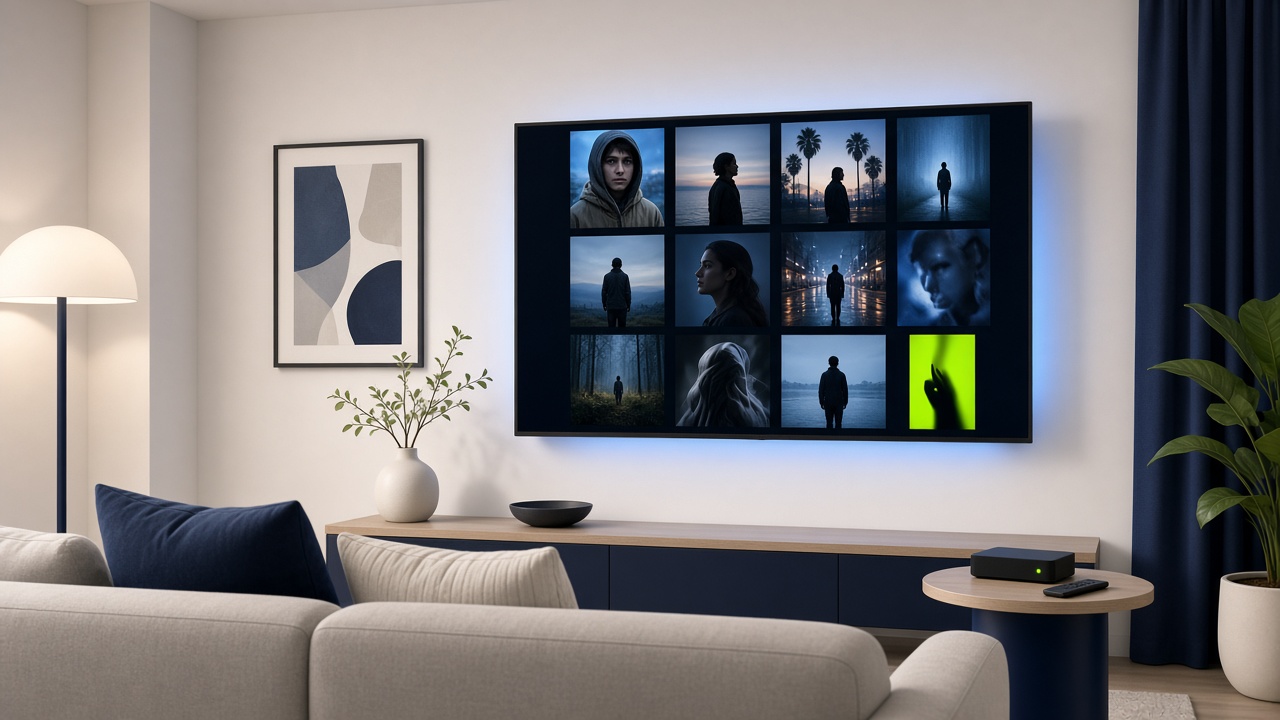
Instagram now has an Apple TV app with Reels, longer videos and live shows. What it does, what it leaves out, and why Meta wants your TV.
Instagram has arrived on Apple TV without much fanfare. MacRumors spotted that the app’s App Store listing added Apple TV support on Oct. 23, while an archived listing from days earlier showed only iPhone and iPad. The Verge called it a quiet launch, and Meta hasn’t held a big event for it.
It’s a small release with a clear strategy behind it: Meta wants Instagram video to compete for the same screen as Netflix and YouTube.
What the Apple TV app does
According to the App Store listing and early hands-on reports, Instagram for Apple TV lets you:
- Watch Reels, longer creator videos and live shows.
- Browse interest-based channels that autoplay videos.
- Resume watching across your phone, tablet and TV.
- Watch together with friends and family on a shared screen.
The app is free and requires tvOS 26.0 or later, so older Apple TV software may need an update first.
What it leaves out
The TV version is built for watching, not posting. SoyaCincau’s review, published by Malay Mail, found that you can’t:
- Create or publish posts, Reels or Stories.
- Read or reply to direct messages.
- Browse the traditional photo feed.
- Use Story interactions like polls or type comments.
That’s a sensible call. Nobody wants to type a DM with an Apple TV remote.
The rollout so far
Apple TV is the latest stop in a steady expansion:
- December 2025: Instagram starts testing a TV app on Amazon Fire TV in the U.S.
- February 2026: It expands to Google TV.
- June 2026: It reaches Samsung smart TVs, and Meta outlines plans for longer creator content, episodic series and live broadcasts.
- October 2026: It reaches Apple TV.
The move also follows Instagram’s dedicated iPad app, which arrived in September 2025 after years of user requests.
Why Meta wants the TV
TV is where long viewing sessions happen, and where ad budgets for video have traditionally gone. The Verge noted the app will likely be central to Instagram’s push into longer, episodic content and the growing popularity of microdramas.
For creators, that changes the math. Content made for a phone feed may now be watched on a 65-inch screen from across the room, which rewards better production and longer formats. For Meta, more watch time on TVs means more room to sell video ads at TV-style prices.
Should you install it?
It’s worth a try if:
- You already watch a lot of Reels and want a bigger screen for group viewing.
- You follow creators who make longer videos or live shows.
Skip it if you mainly use Instagram for messaging, Stories or posting photos. The TV app doesn’t do any of that.
How to get it
- Open the App Store on your Apple TV.
- Search for Instagram and install it.
- Make sure your Apple TV runs tvOS 26.0 or later.
- Sign in to pick up your recommendations and resume videos from your phone.